How to get rid of a red box error in front of your Open OnDemand Application
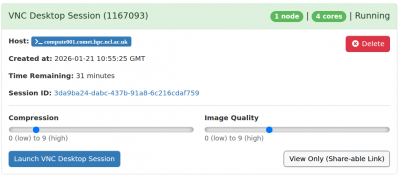
Before connecting to your session in Open OnDemand, you can adjust sliders for compression and image quality. There is a tradeoff here, higher image quality requires more bandwidth, while higher compression uses more CPU but reduces bandwidth usage. The best settings for you will vary depending on your network connection. However, setting Compression to zero results in an error after a few minutes:
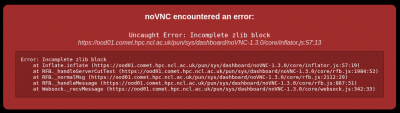
If you see this error, disconnect from your session by closing the browser tab, change compression to be greater than zero and reconnect: